

Beschreibung
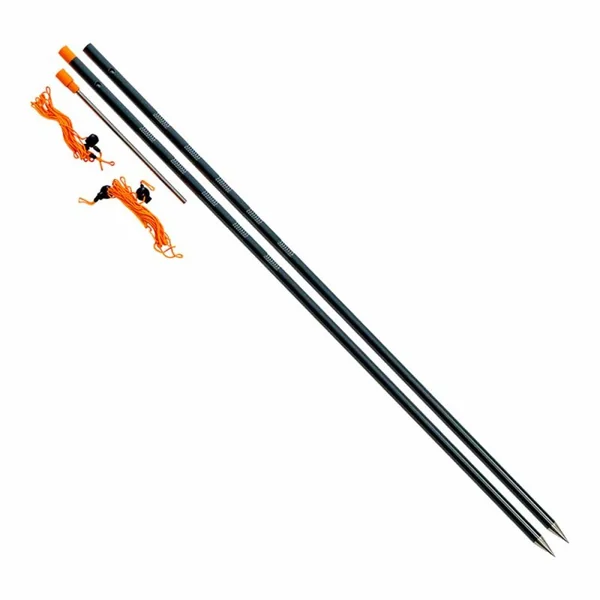
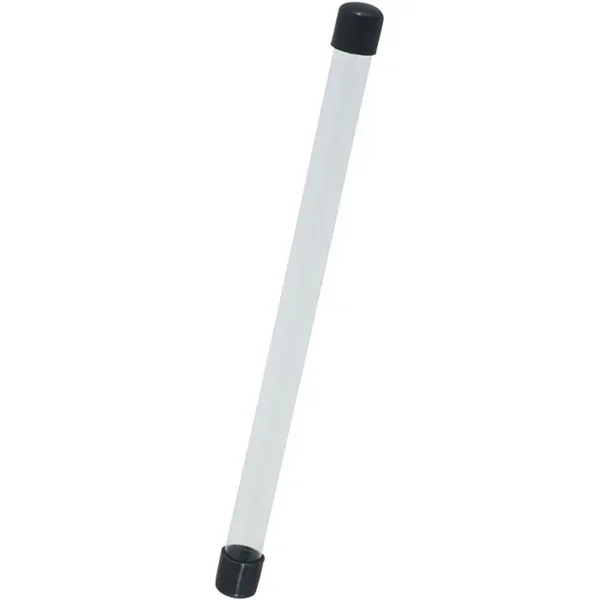
Distance Sticks are an essential tool which can be used to measure the distance to your chosen spot, allowing you to consistently place bait and rigs to the same position every time.
- Strong & light aluminium construction
- Hard-wearing, sharp stainless-steel spike
- Toggle provided for exact measuring
- High visibility end cap
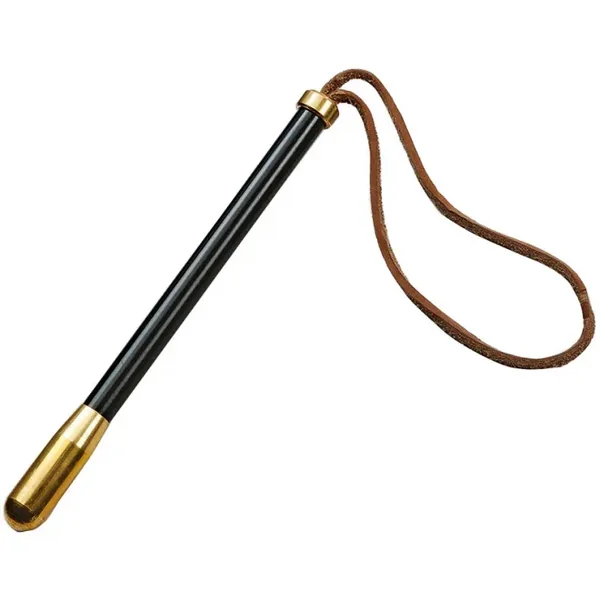
- Supplied with 6” tommy bar, 2m & 3m measuring cords
- Perfectly positioned grooves prevent line from spilling off sticks
Use these sticks to take your accuracy in feeder fishing to a new level by following the steps below-
1. Firstly select the distance you wish to fish with your fishing rod by casting out a bomb or feeder and secure line under the line clip on your reel.
2. Wind in and place the lead next to the base of the first distance stick or if you have a feeder attached simply place over the stick.
3. Then, using the back-wind facility on your reel or an open bail arm (don’t use the clutch), carefully wrap the line around the sticks in a figure-of-eight, and count each one until your line reaches the clip. Make a note of the number of ‘wraps’.
4. ‘Wrap out’ your remaining fishing rods and or feeding rod to the same distance, once again using the line clip on your reels.
5. Cast towards your horizon marker with just enough power to ‘hit the clip’ and your rig will land on the same spot time and time again.
 IRON TROUT Button Spoon 1,8g Ssp
 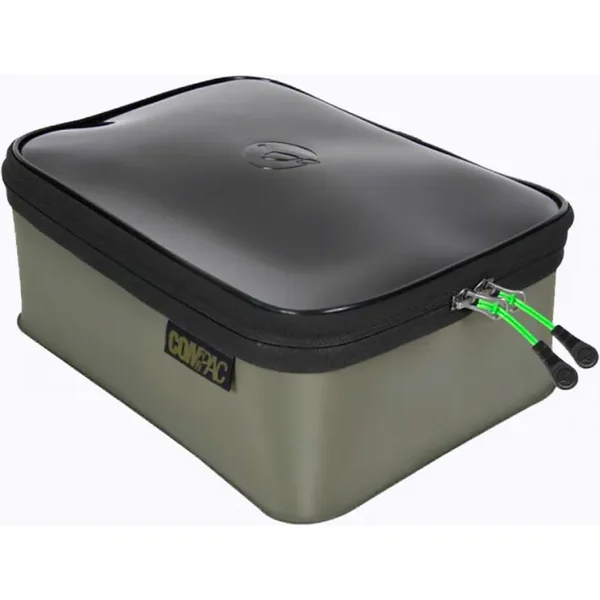 Korda Compac - XL 200
 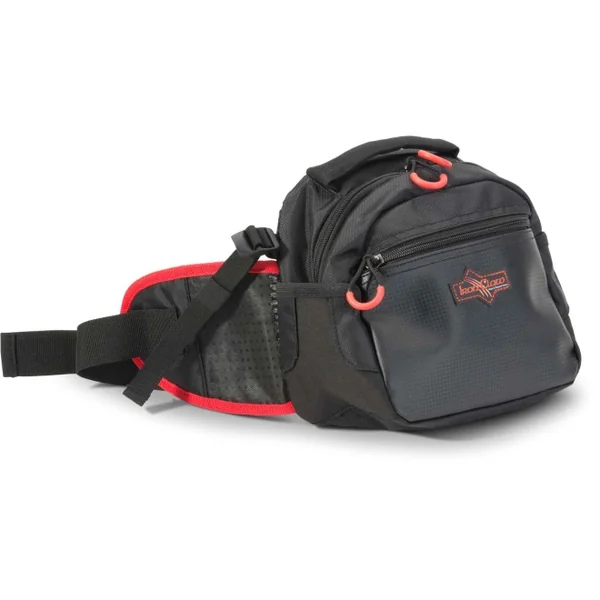 IRON CLAW SF Bellyman
 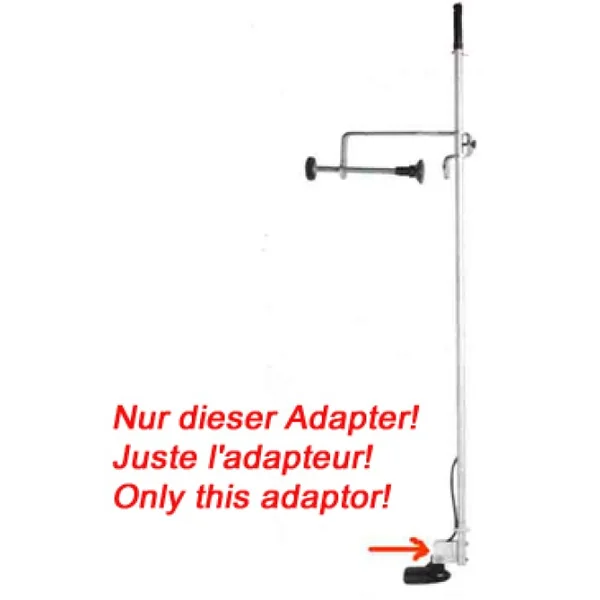 Tite Lok EL8 Adapter
 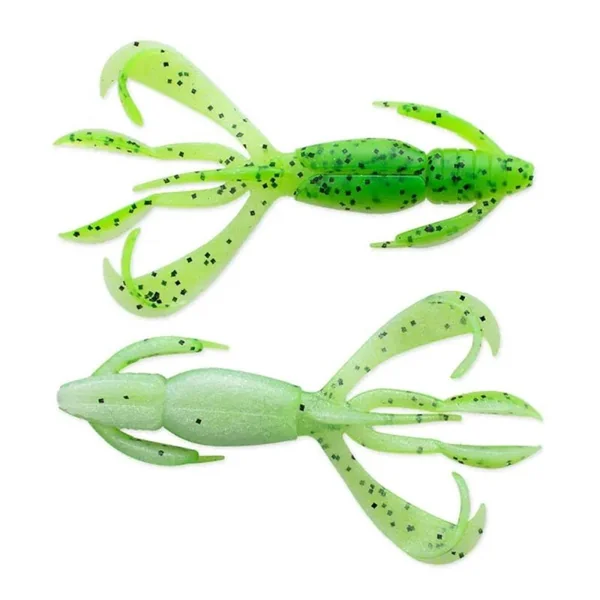 Keitech - Crazy Flapper 2,8" - Chartreuse Pepper Shad
 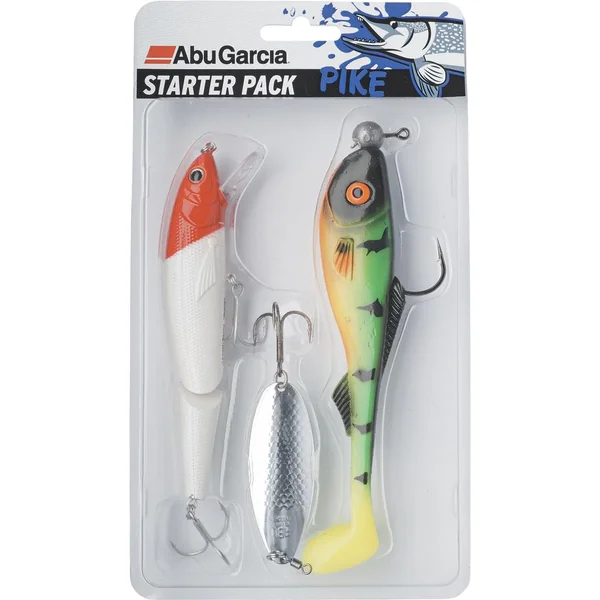 Abu Garcia Starterpack Pike
 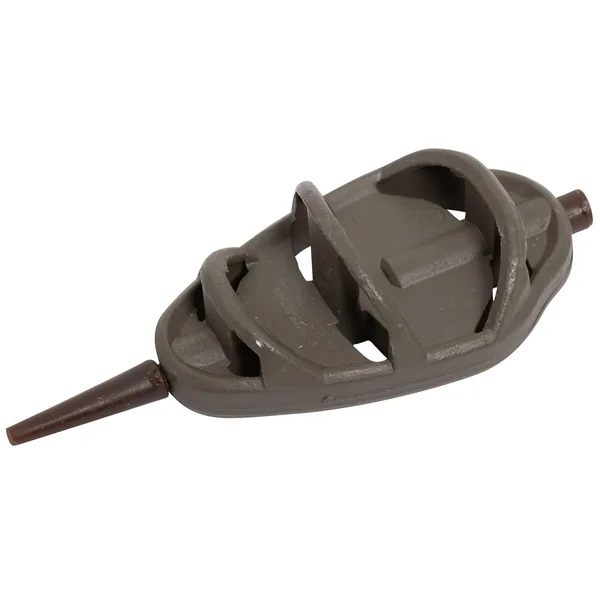 Browning Hydrus Metal Method Feeder Futterkorb
 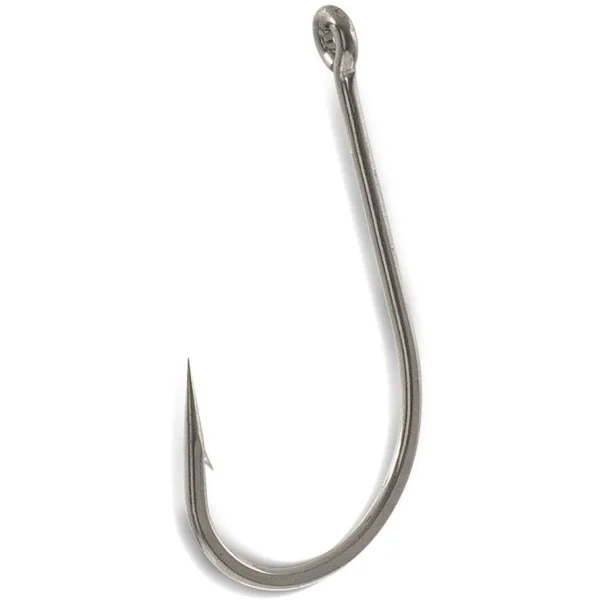 AQUANTIC Power Single Hook 5/0 (6pcs)
 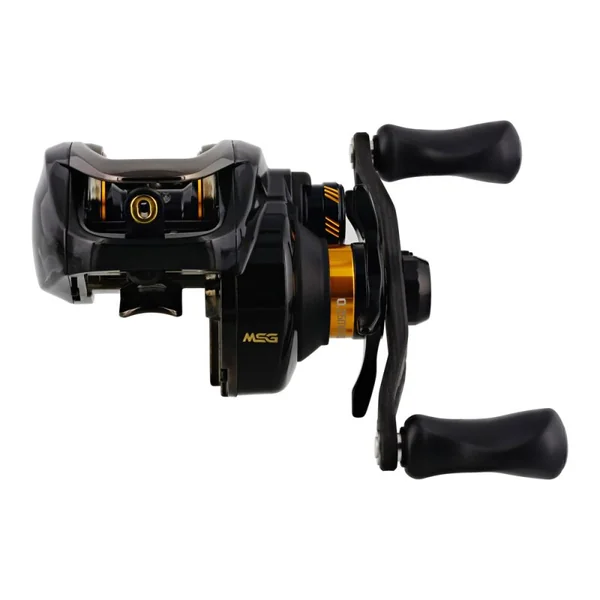 Westin - W6 SSG
 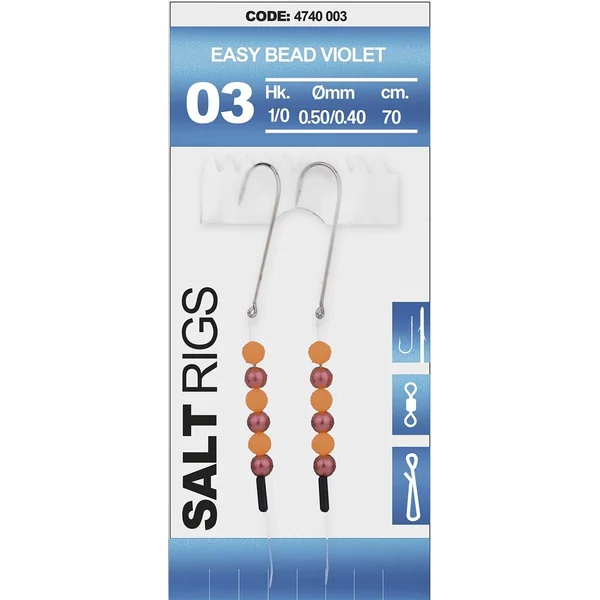 Spro Salt Rig Rig #3 Easy Bead Violet
  Spro Rollwirbel - Size 6
 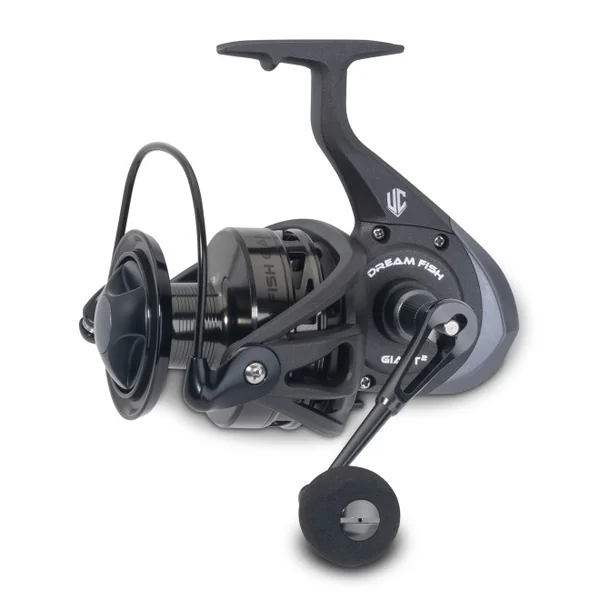 Uni Cat Dreamfish Giant 2
 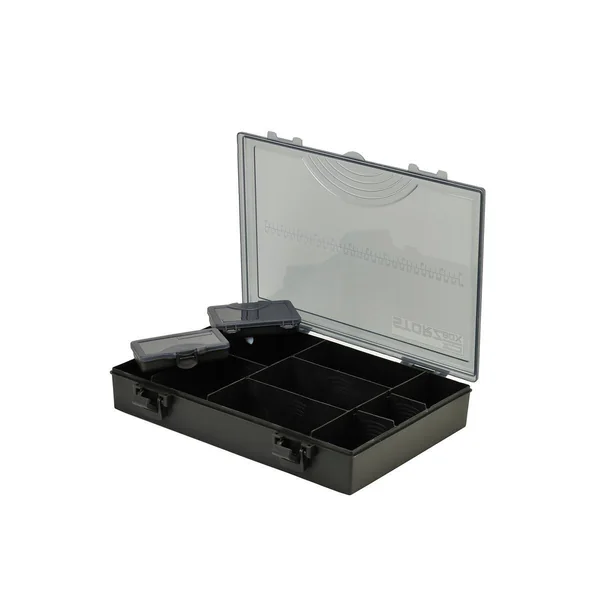 Shakespeare ACCESSORY TACKLE BOX SYSTEM MED
 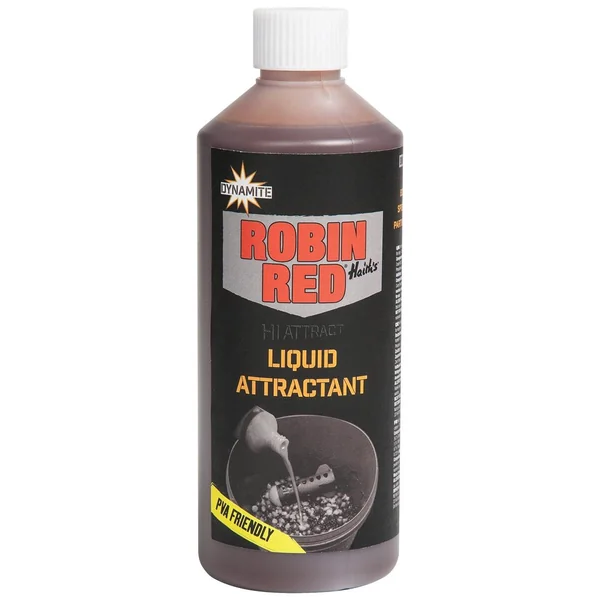 Dynamite Baits Liquid Attractant Inhalt 500ml
 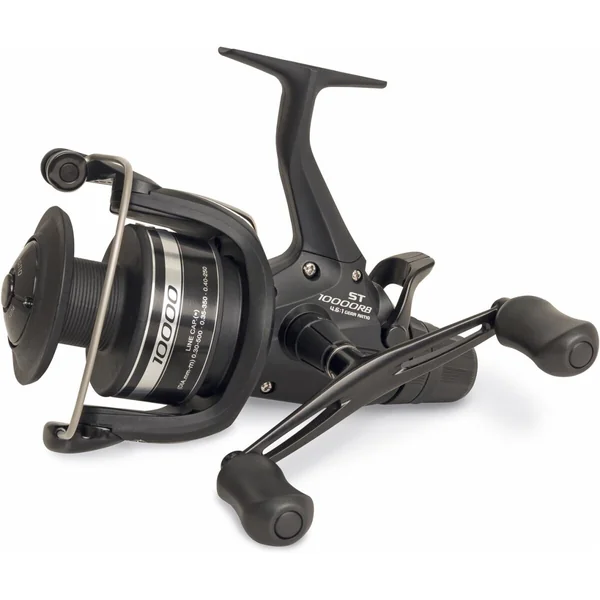 Shimano Rolle Baitrunner ST
 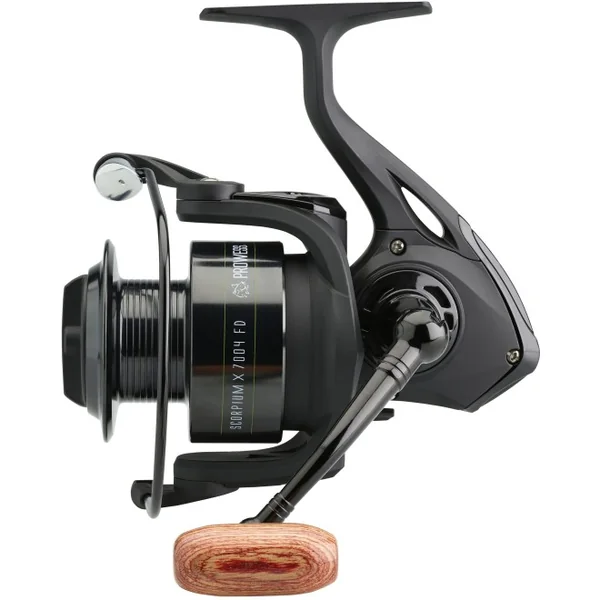 PROWESS Scoprium X 7004 FD
 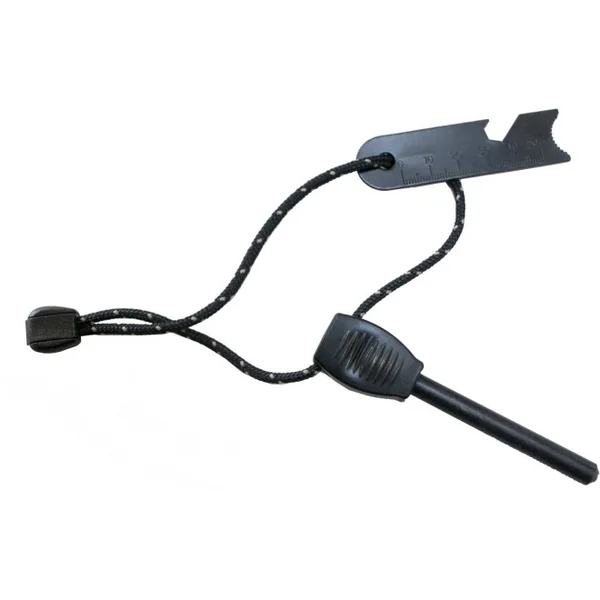 Origin Outdoors Zündstahl
 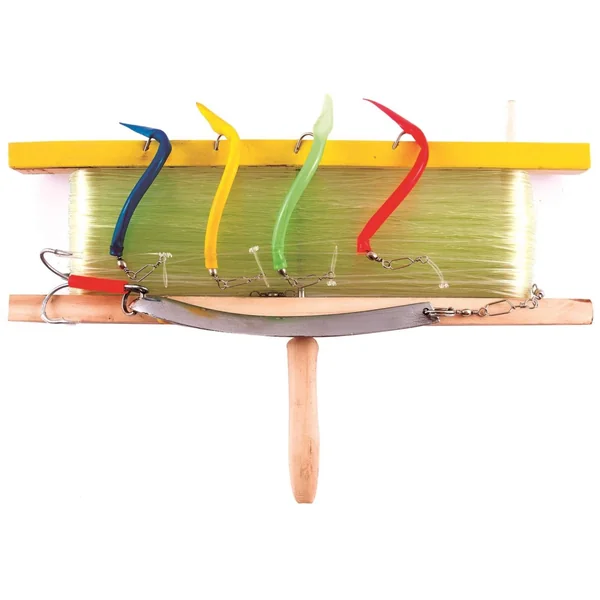 Kinetic Havsnøre - Handleine
 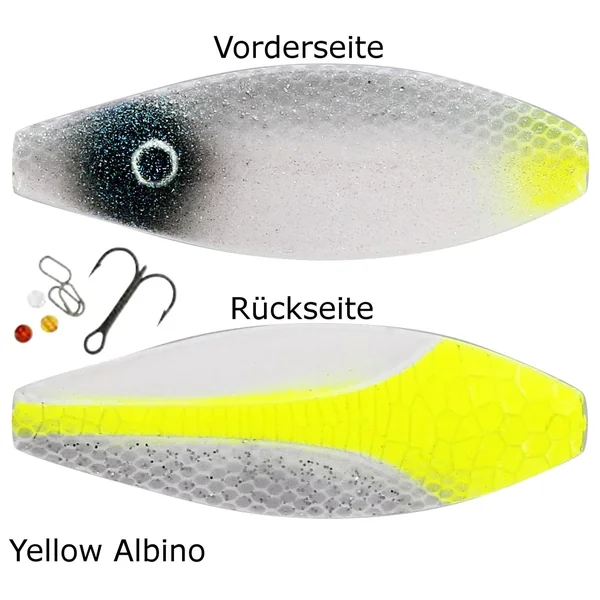 Westin D360 Blinker 10g 5,5cm - Inline Forellenblinker
Rezensionen
Es gibt noch keine Rezensionen.